Install RxJS
In order to follow along smoothly with the course examples, make sure you install RxJS v6 by running
npm install --save rxjs@6
In addition, also install the rxjs-compat package:
npm install --save rxjs-compat
Custom Observable
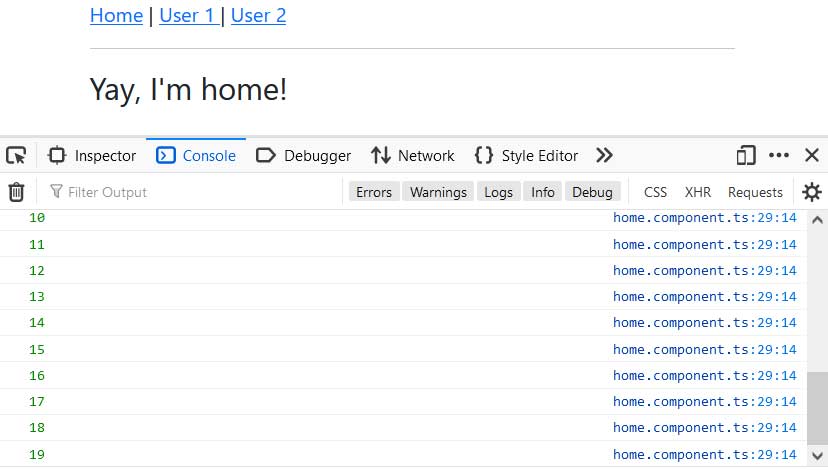
import { Component, OnDestroy, OnInit } from '@angular/core';

import { interval, Subscription, Observable } from 'rxjs';

@Component({
  selector: 'app-home',
  templateUrl: './home.component.html',
  styleUrls: ['./home.component.scss']
})
export class HomeComponent implements OnInit, OnDestroy {

  private firstObsSubscription: Subscription;

  constructor() { }

  ngOnInit(): void {

    const customIntervalObservable = Observable.create(observer => {
      let count = 0;
      setInterval( () => {
        observer.next(count);
        count++;
      }, 1000);
    });

    this.firstObsSubscription = customIntervalObservable.subscribe(data => {
      console.log(data);
    });
  }

  ngOnDestroy(): void {
    this.firstObsSubscription.unsubscribe();
  }
}
Error handling
if(count > 3){
    observer.error(new Error('Count is greater 3!'));
}
this.firstObsSubscription = customIntervalObservable.subscribe(data => {
    console.log(data);
  }, error => {
    console.log(error);
    // alert(error.message);
});
Console.log completed after 3 seconds
this.firstObsSubscription = customIntervalObservable.subscribe(data => {
      console.log(data);
    }, error => {
      console.log(error);
      // alert(error.message);
    }, () => {
      console.log('Completed!');
    });